
Anime guides
Luminar Neo Guides
Single-job walkthroughs for the Luminar Android app, written from testing on real phones: skies, portraits, RAW files, light, looks and exports.
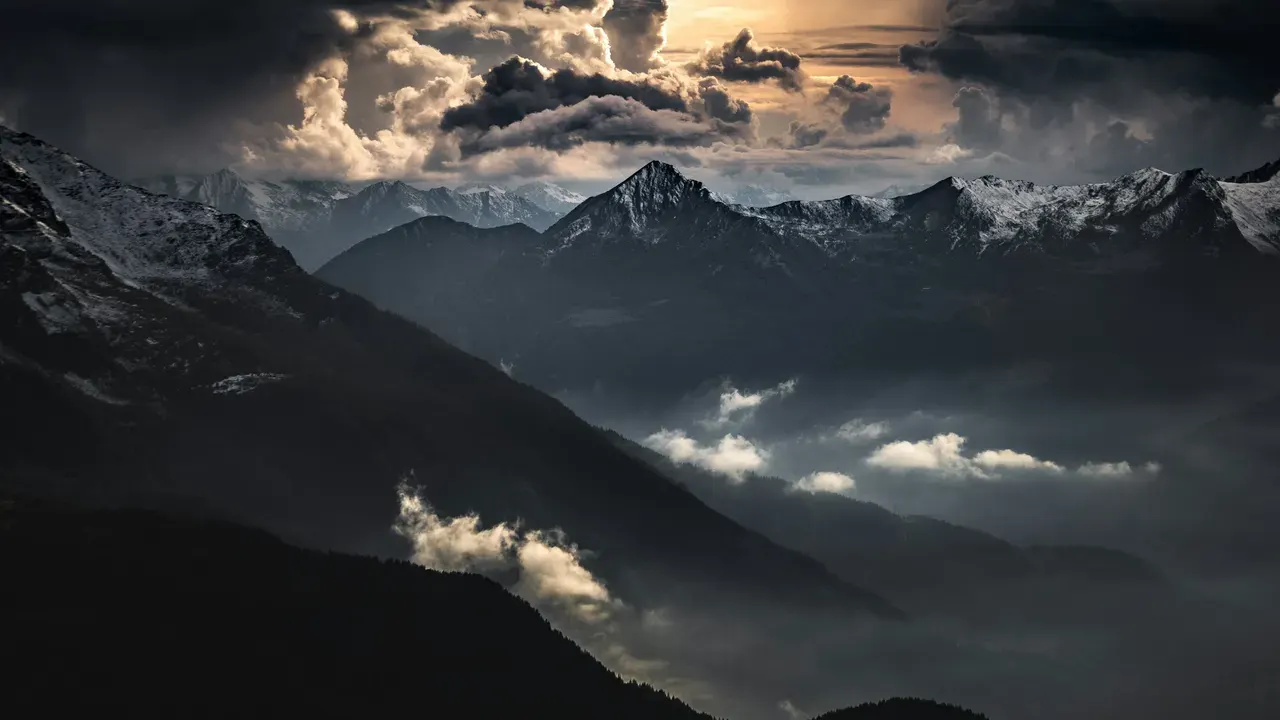 Guide SkyAI Sky Replacement on Mobile: Rescue a Flat Landscape A washed out sky flattens a good landscape. SkyAI in the Luminar Android app replaces it and matches the light to the scene. This guide walks through the full edit on a phone. Read guide →
  Guide SkinAI Portrait Retouching: Smooth Skin That Still Looks Real SkinAI in Luminar smooths skin, removes blemishes and shine, and keeps real texture. This guide shows how far to push each control for portraits that still look like the person. Read guide →
 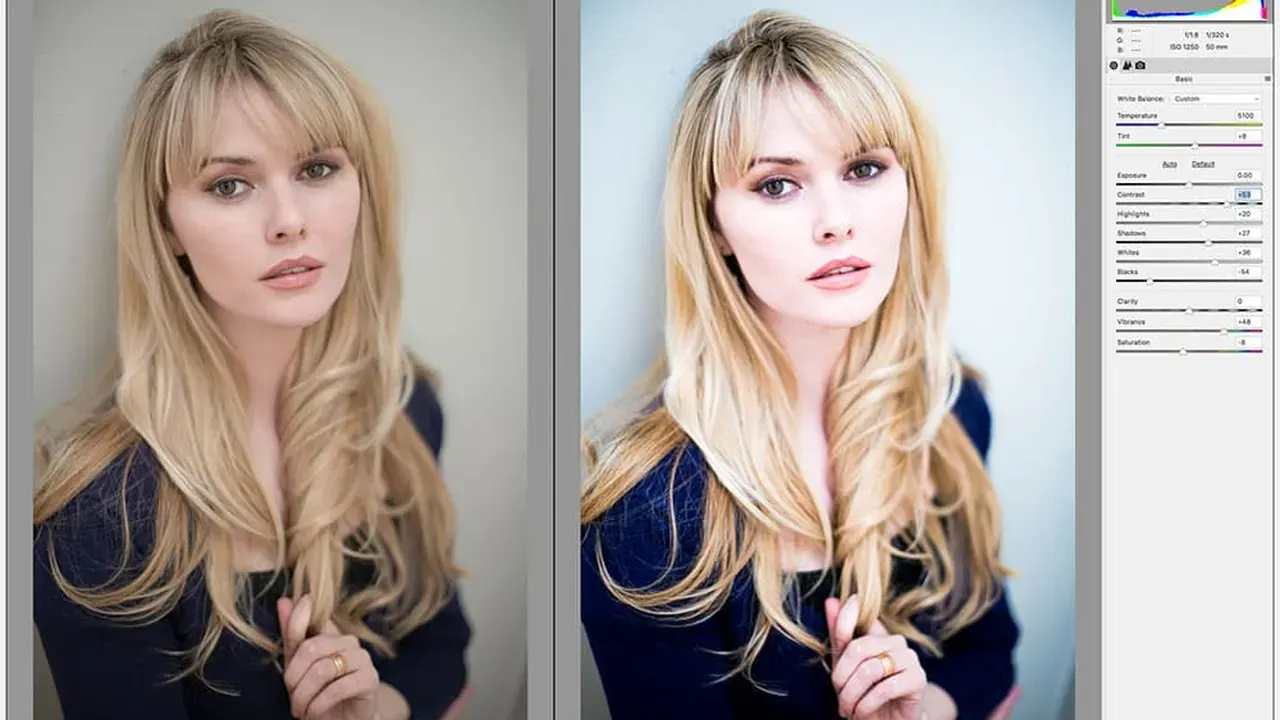 Guide RAW Editing on Android: Develop Camera Files in Luminar RAW files carry far more light and colour than JPEGs. Here is how the Luminar RAW bench on Android handles exposure, white balance, curves and detail for camera files on a phone or tablet. Read guide →
 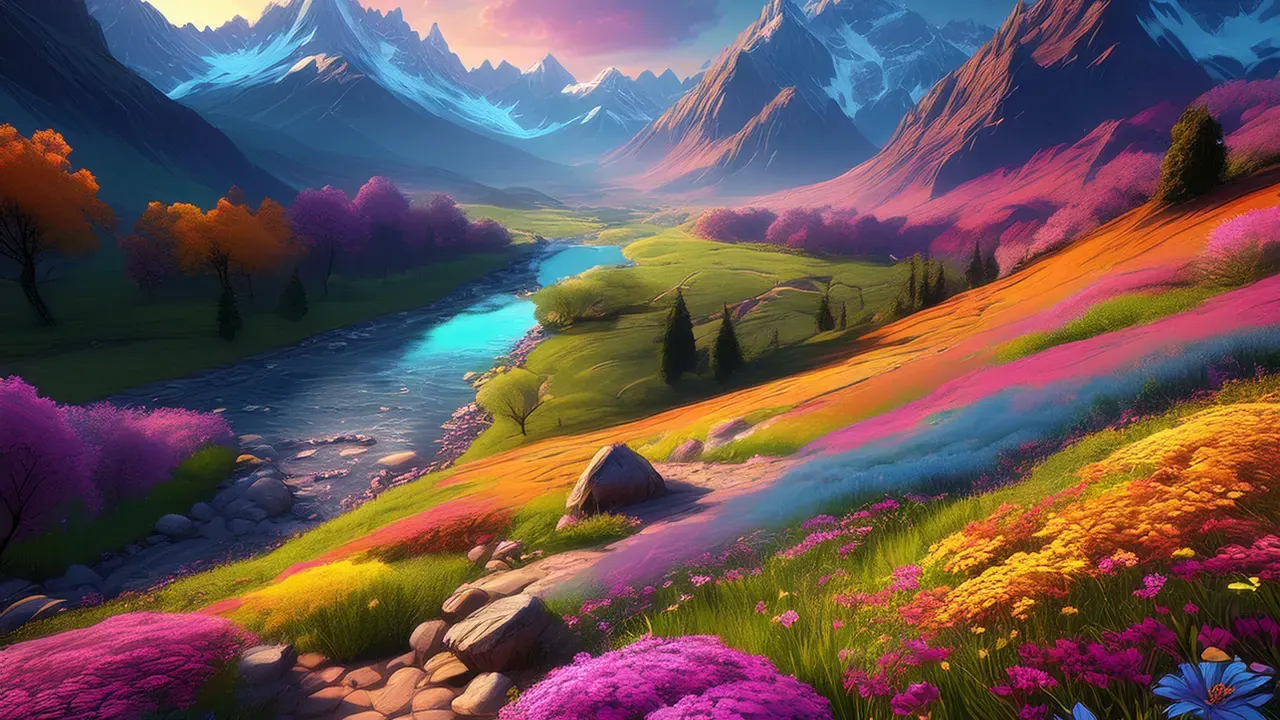 Guide EnhanceAI: The One-Slider Edit, Done Properly EnhanceAI balances colour, tone and clarity from a single dial in the Luminar Android app. This guide explains what the dial is really doing, when it is enough, and when to hand over to manual tools. Read guide →
  Guide RelightAI: Fix Bad Lighting After the Photo Is Taken A face in shadow with a bright background is the classic phone photo failure. RelightAI in Luminar rebalances light using depth. This guide shows how it works and how far to push it. Read guide →
 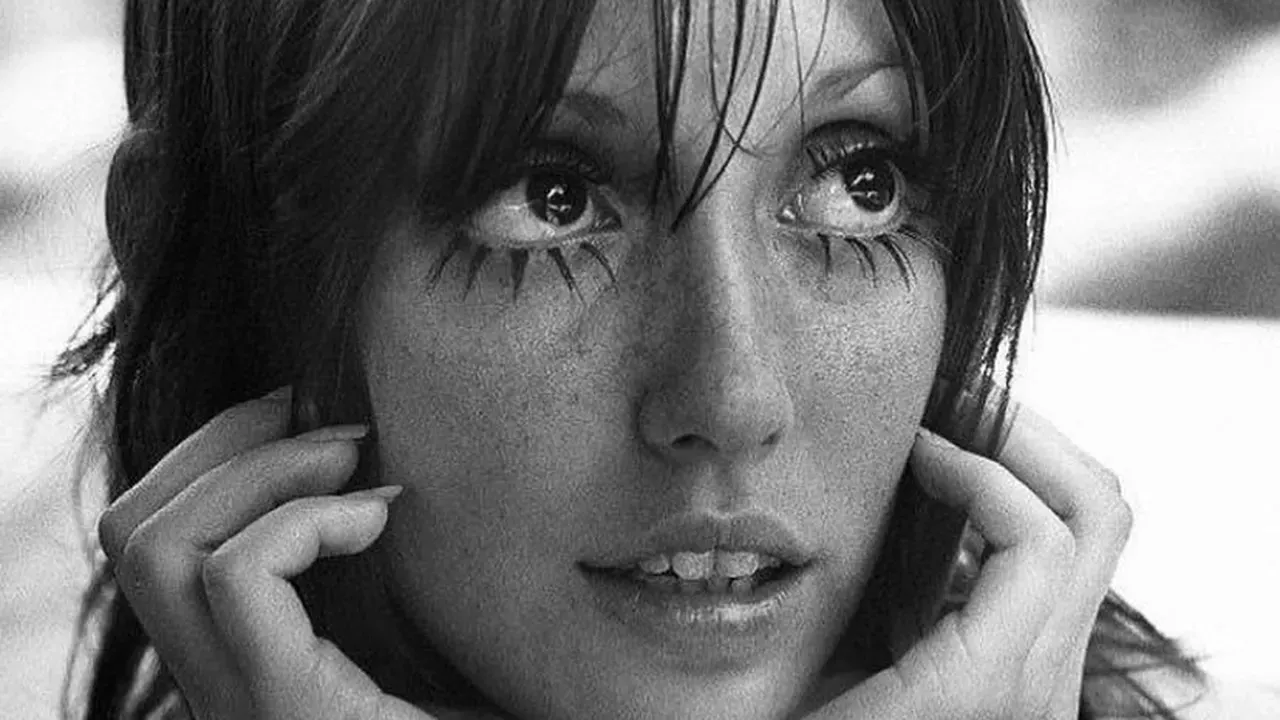 Guide Presets and Filters in Luminar: Build a Look, Then Make It Yours Luminar's filters and presets give a photo a look in one tap: film, monochrome, vintage and glow. This guide shows how to use them as starting points and tune them into something personal. Read guide →
 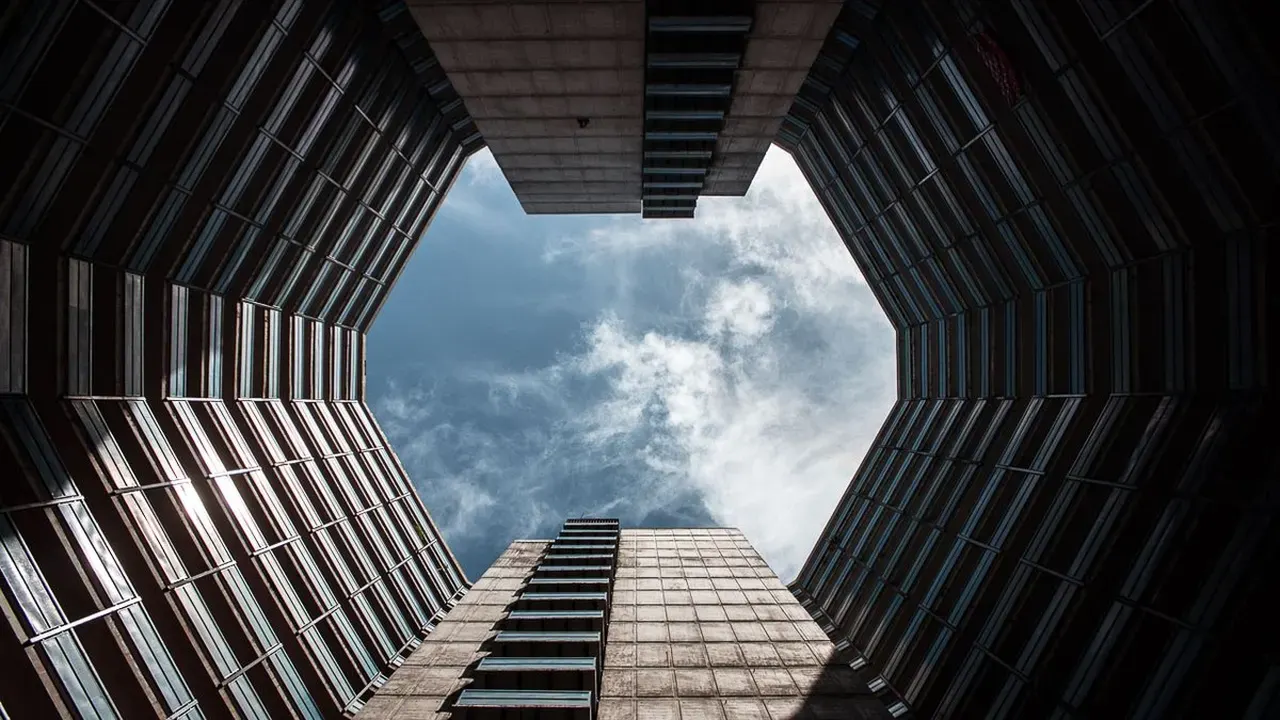 Guide Crop, Geometry and Auto Transform: Straighten Any Photo Leaning buildings, tilted horizons and cramped framing ruin good photos. Luminar's crop and geometry tools, including one-tap Auto Transform, fix them. This guide covers the full routine. Read guide →
 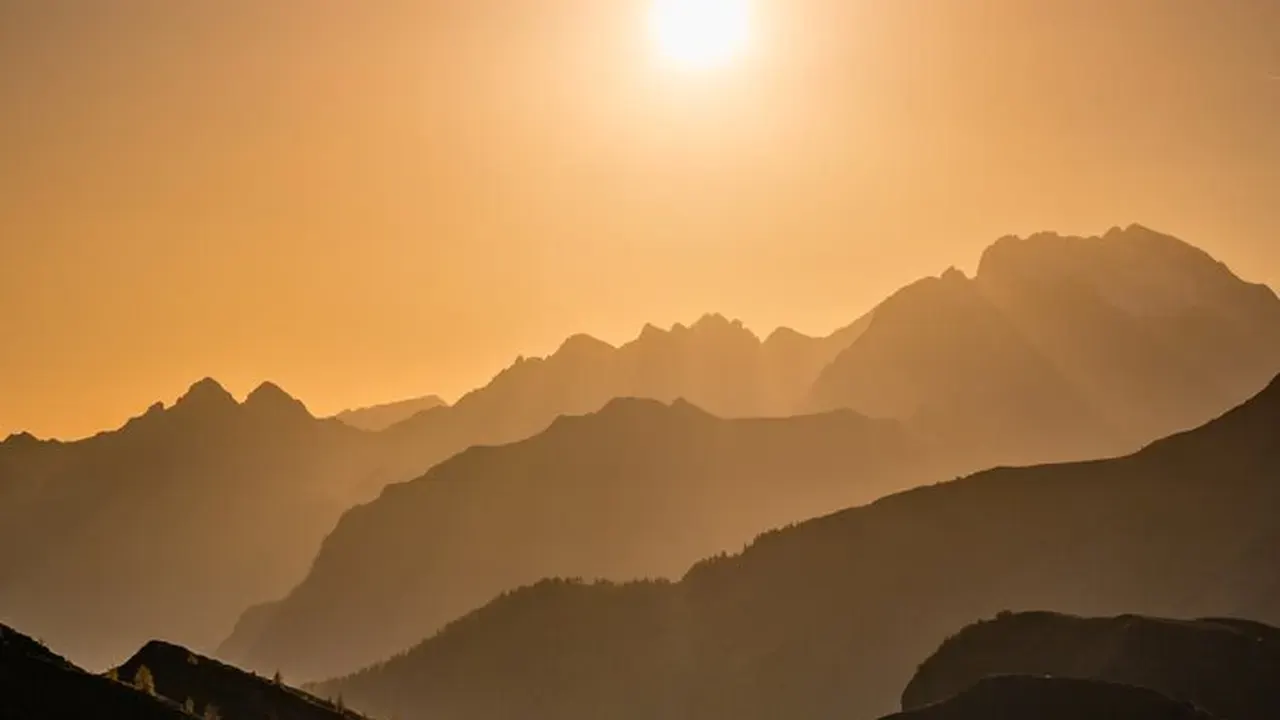 Guide Landscape Editing in Luminar: Dehaze, Foliage and Golden Hour Luminar's landscape tools enhance foliage, remove haze and boost golden hour light. Combined with SkyAI and StructureAI, they form a complete landscape workflow on Android. This guide runs it end to end. Read guide →
  Guide Erase in Luminar: Remove People and Clutter From a Photo A stranger in the frame, a bin by the monument, a wire across the sky. Luminar's Erase tool removes distractions and rebuilds what sits behind them. This guide shows clean technique. Read guide →
 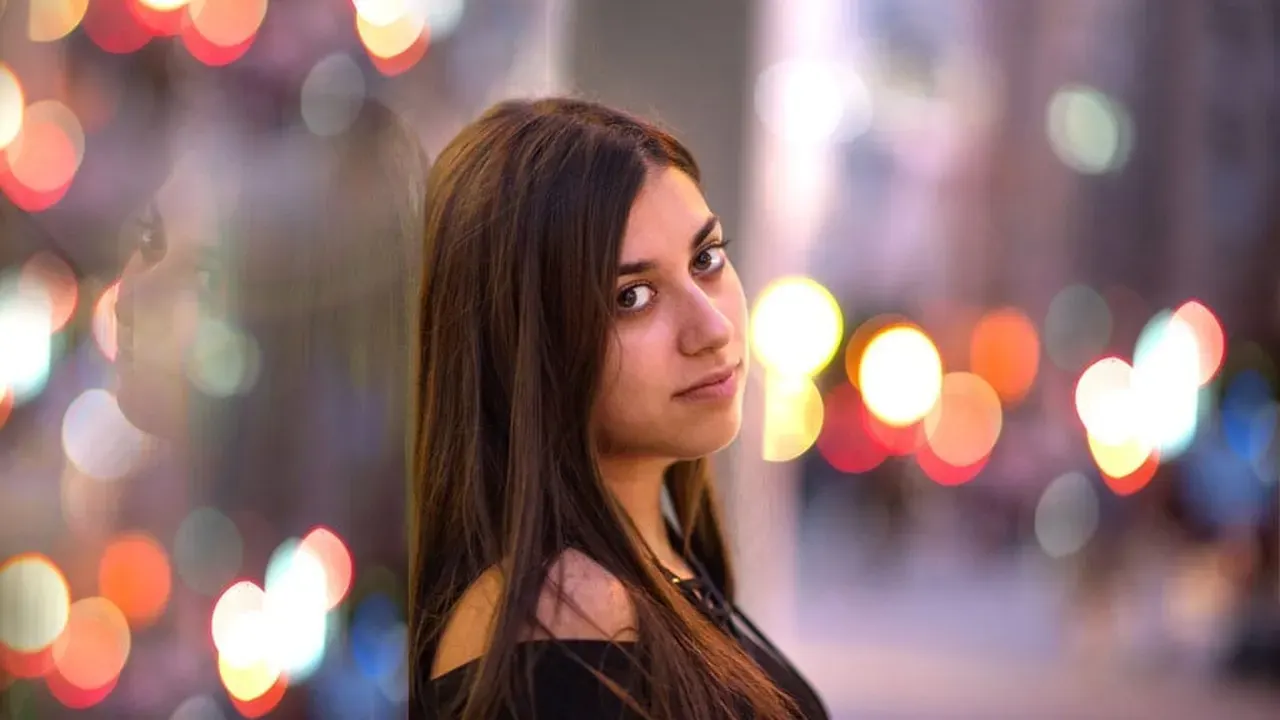 Guide BokehAI: Portrait Background Blur That Looks Like a Lens BokehAI blurs backgrounds, adjusts focus and shapes bokeh in Luminar for Android. This guide explains how to get portrait blur that looks like a fast lens instead of a cutout. Read guide →
 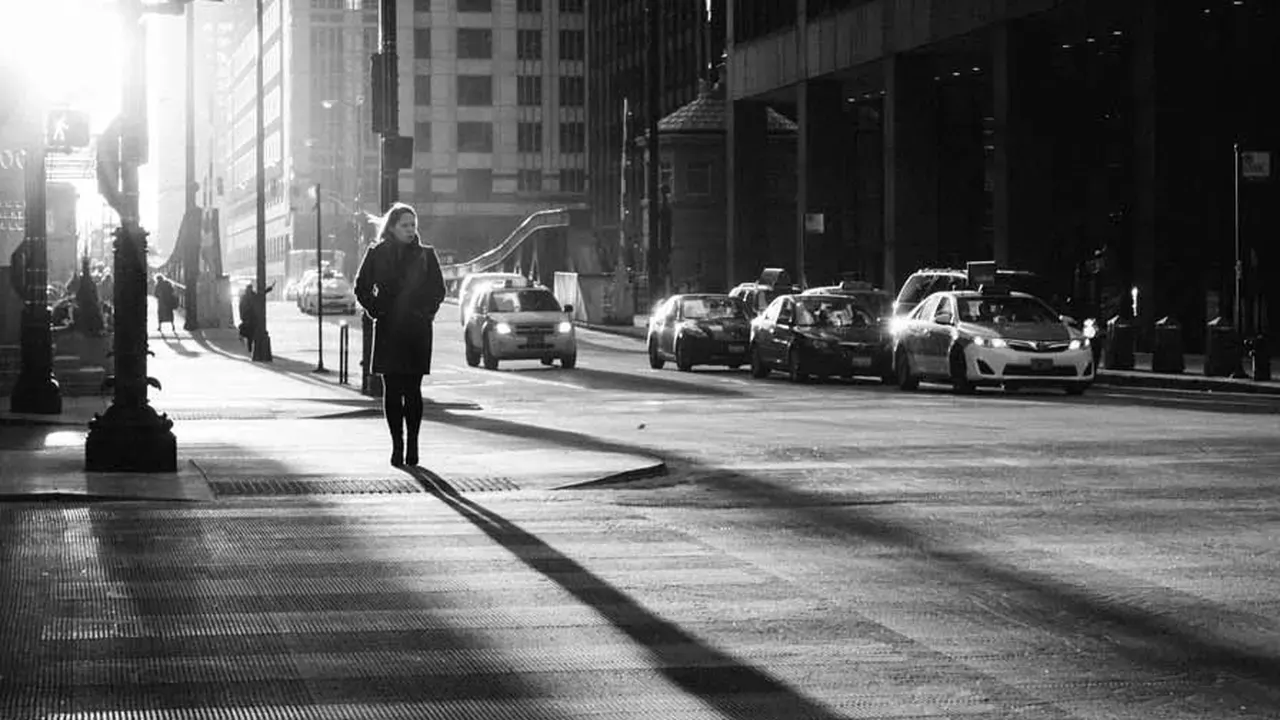 Guide Monochrome and Vintage Looks in Luminar Mobile Black and white done well is about tone, not the absence of colour. This guide covers Luminar's monochrome and vintage tools on Android: contrast, grain, fading and choosing photos that deserve it. Read guide →
 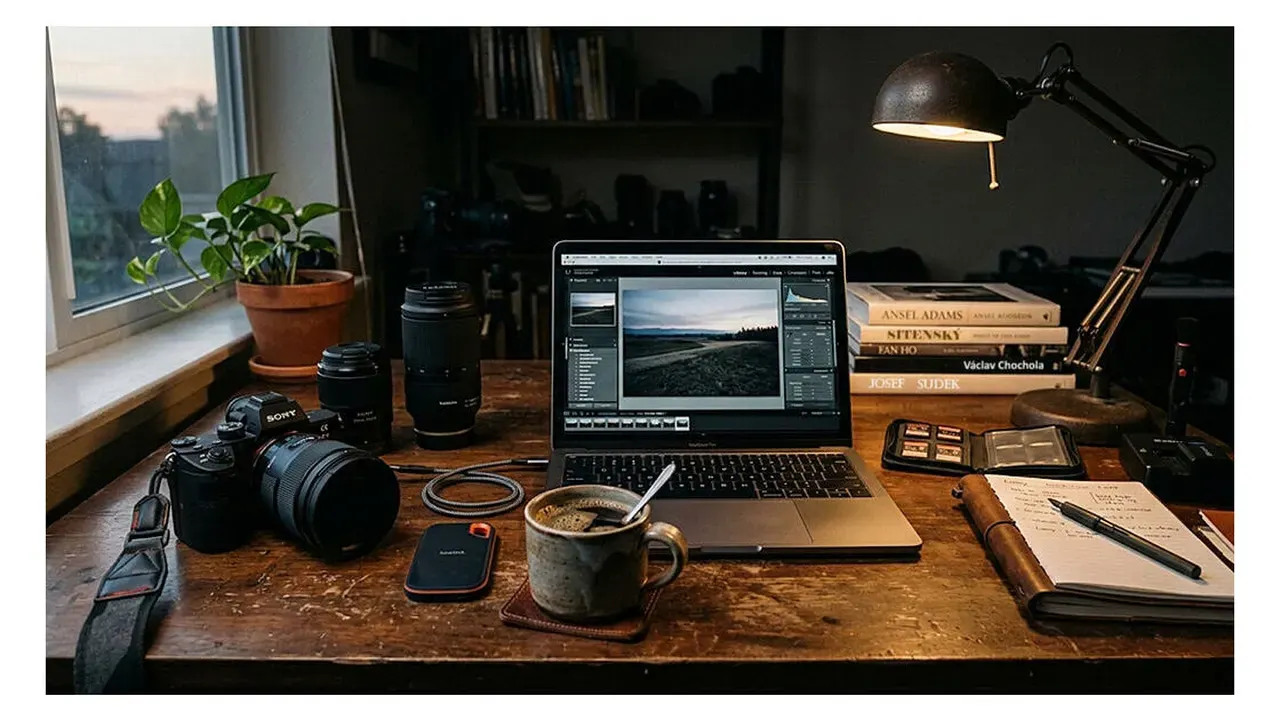 Guide Batch Export in Luminar: JPEG, PNG, TIFF and HEIF Explained Luminar Mobile can batch export photos as JPEG, PNG, TIFF or HEIF. This guide explains what each format is for, how Batch Export and Drag and Drop Export work, and how to build a repeatable export routine. Read guide →
 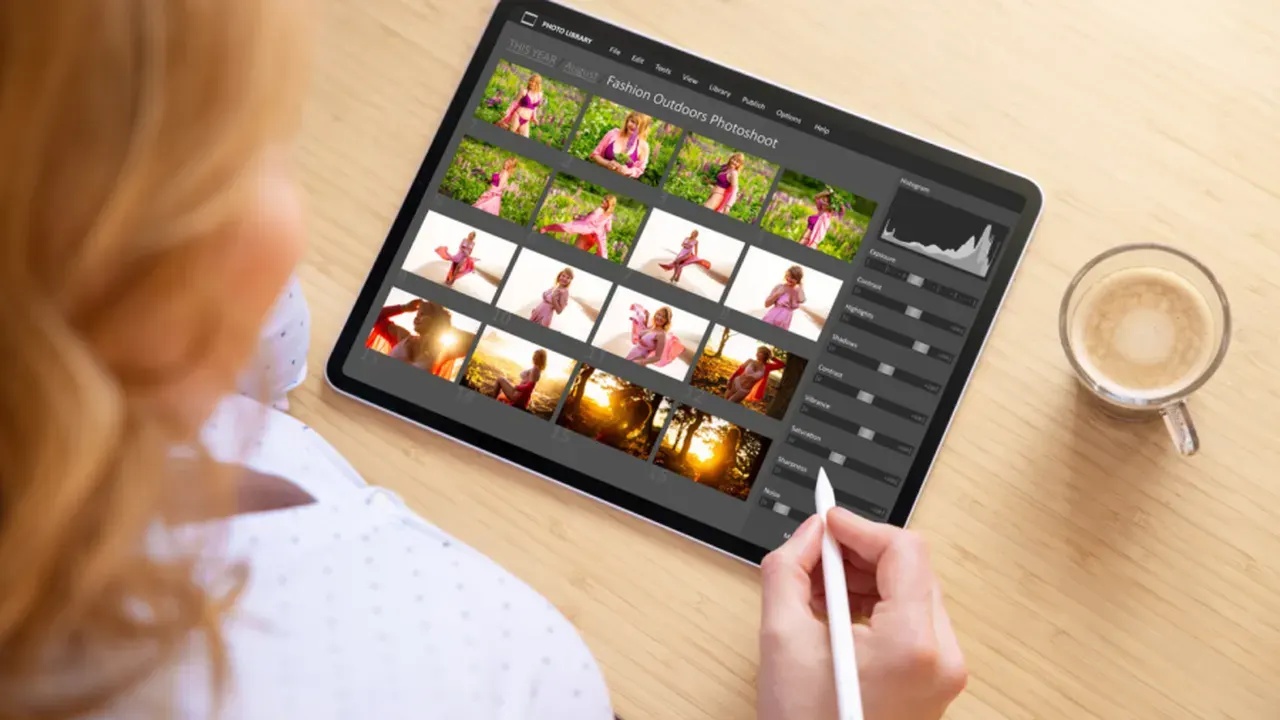 Guide Editing on a Tablet or Chromebook: Luminar on the Big Screen Luminar for Android adapts to tablets, foldables and Chromebooks, and won Google Play's Best Multi-device App award in 2025. This guide covers the big-screen editing workflow, desktop mode and syncing with Neo. Read guide →
 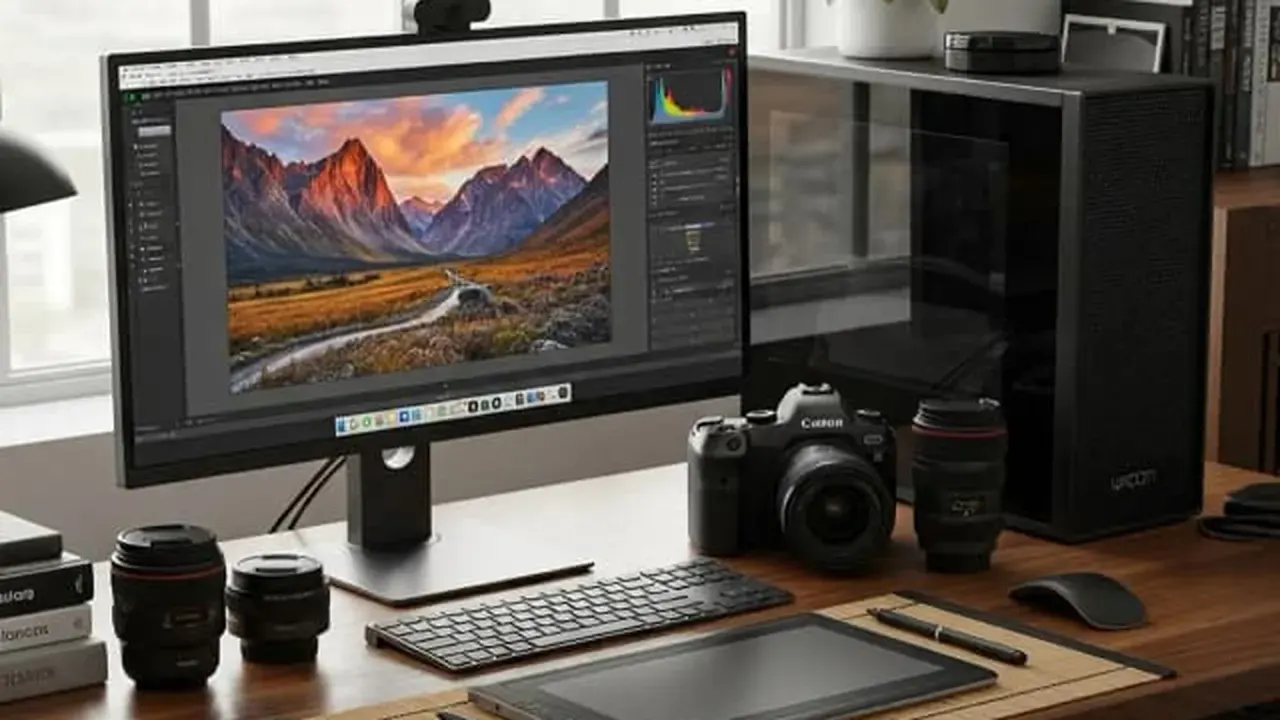 Guide Luminar Mobile vs Luminar Neo Desktop: What Actually Differs Same family, different benches. An honest comparison of the Luminar Android app and desktop Luminar Neo: tools, workflow, projects that move between them, and which one a photographer actually needs. Read guide →
 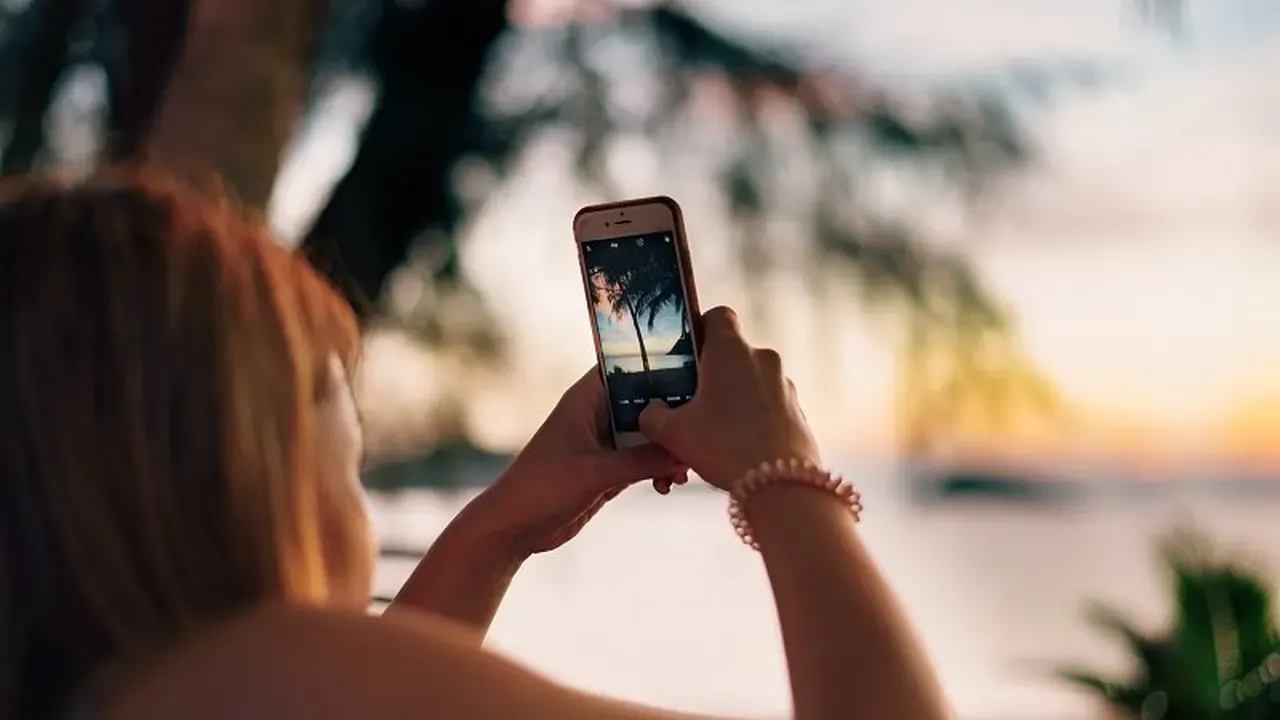 Guide Your First Five Edits: A Beginner Path Through Luminar New to photo editing? This beginner path through the Luminar Android app runs five edits in order: the one-dial fix, the sky rescue, the portrait lift, the tidy-up, and the look. Five photos, five skills. Read guide →