
Guide
BokehAI: Portrait Background Blur That Looks Like a Lens
BokehAI blurs backgrounds, adjusts focus and shapes bokeh in Luminar for Android. This guide explains how to get portrait blur that looks like a fast lens instead of a cutout.
 By Clara Whitmore, Photo App Reviewer
CONTENTS On this page
Blur That Respects Depth
Fake blur fails one way: it treats the background as a flat card and smears it evenly, so a near shoulder and a far mountain blur identically and the eye rebels. The the Luminar APK BokehAI reads depth, blurring more with distance, the way a real lens behaves.
That depth behaviour is why its portraits survive scrutiny. The subject stays in a world, not on a sticker.
Placing Focus, Choosing Strength
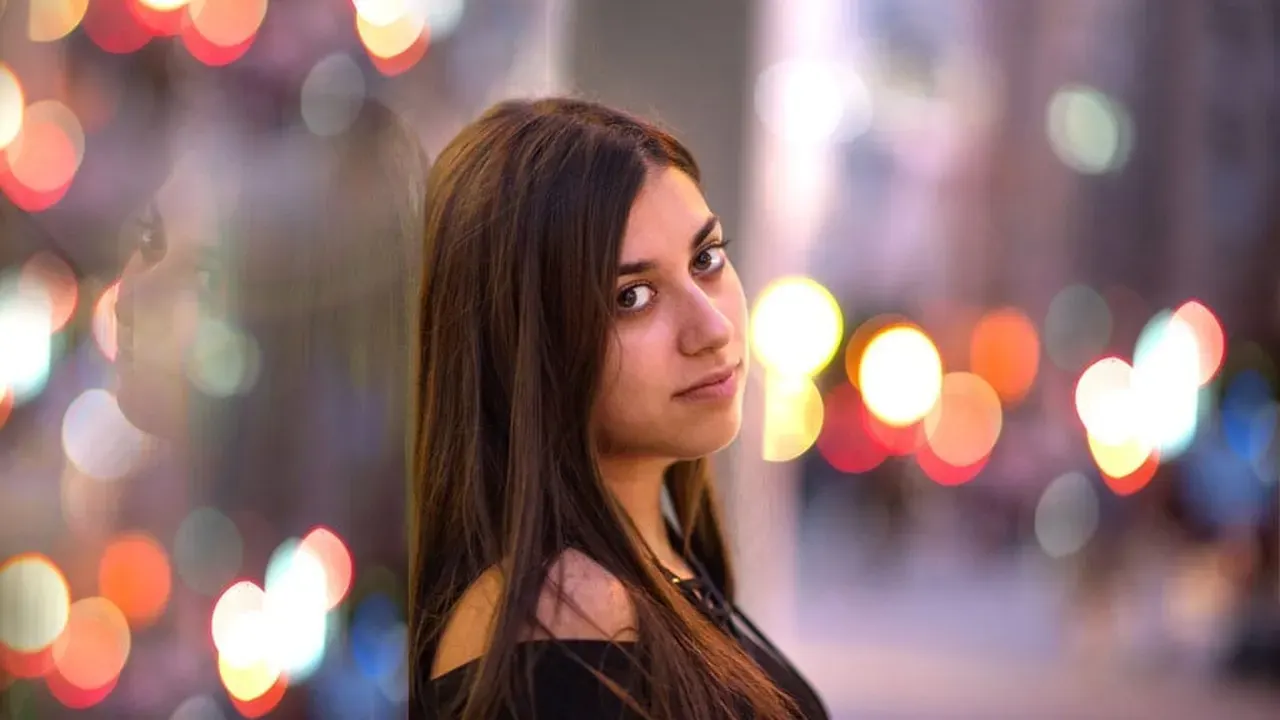
Set the focus point on the nearer eye, always. Then raise blur until the background stops telling stories but keeps suggesting a place. A portrait background should be a rumour, not a void.
Bokeh shape controls the character of highlights in the blur: round for classic, more geometric for a modern lens feel. Match the shape to the scene's lights, and pair the result with the skin work in the Monochrome and Vintage Looks in Luminar Mobile for a complete portrait pass.
Edges: Hair, Glasses and Fur
Inspect three edges at full size: hair against light, glasses frames, and shoulders against similar colours. Small halos live there. Reducing strength by a fifth usually trades them away invisibly.
If an edge refuses, a slightly tighter crop can remove the worst of it, a trade the Luminar Mobile vs Luminar Neo Desktop: What Actually Differs discusses honestly.
When Not to Blur
Some backgrounds are the story: the workshop, the stadium, the street the subject calls home. Blurring those is erasing context for fashion. Environmental portraits earn their depth honestly.
Blur is a sentence about what matters in the frame. Use it when the answer is truly just the person.
Quick Answers
How is BokehAI different from portrait mode?
It works on any photo, including ones shot without portrait mode, and it lets you adjust focus placement and bokeh shape after the fact instead of accepting the camera's guess.
Why does blur sometimes eat hair edges?
Fine hair against a busy background is the hardest mask in photography. Reduce blur strength, and the edge artefacts shrink below notice at normal viewing sizes.
Can BokehAI fix a portrait mode photo?
Yes. It can deepen, soften or reshape blur the camera already applied, and rescue focus that landed slightly off.