Before You Download
Two checks prevent nearly every bad install. First, the identity check: the install screen must show the package name com.skylum.luminar and the developer Skylum Software, matching the details on this page. Second, the space check: a photo editor that works with RAW files needs room for the app, its cache and the photos themselves, so keep a comfortable margin of free storage.
Install in Short
Wait for the countdown, use the download button when a file is linked, allow installs for the browser used, open the downloaded file, read the permissions, and confirm. Open Luminar, grant photo access, and run EnhanceAI on one photo to see the editor at its best. Then switch the install permission back off.
After Install
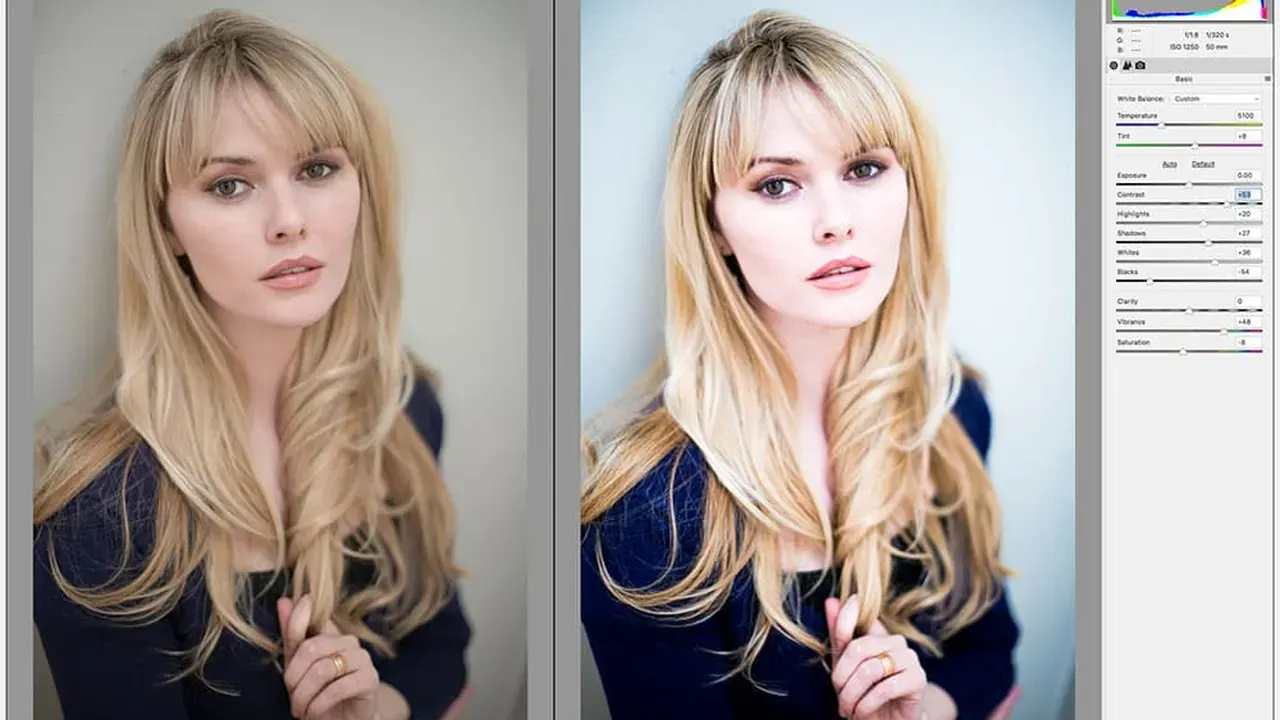
Start with a photo that nearly works: a landscape with a flat sky shows off SkyAI, and a portrait shot in poor light shows off RelightAI and SkinAI together. Export one finished photo as a full quality JPEG and one as TIFF to see how the formats differ, and try Batch Export once a small set of photos shares the same look.