
Guide
Monochrome and Vintage Looks in Luminar Mobile
Black and white done well is about tone, not the absence of colour. This guide covers Luminar's monochrome and vintage tools on Android: contrast, grain, fading and choosing photos that deserve it.
 By Clara Whitmore, Photo App Reviewer
CONTENTS On this page
Tone, Not Absence
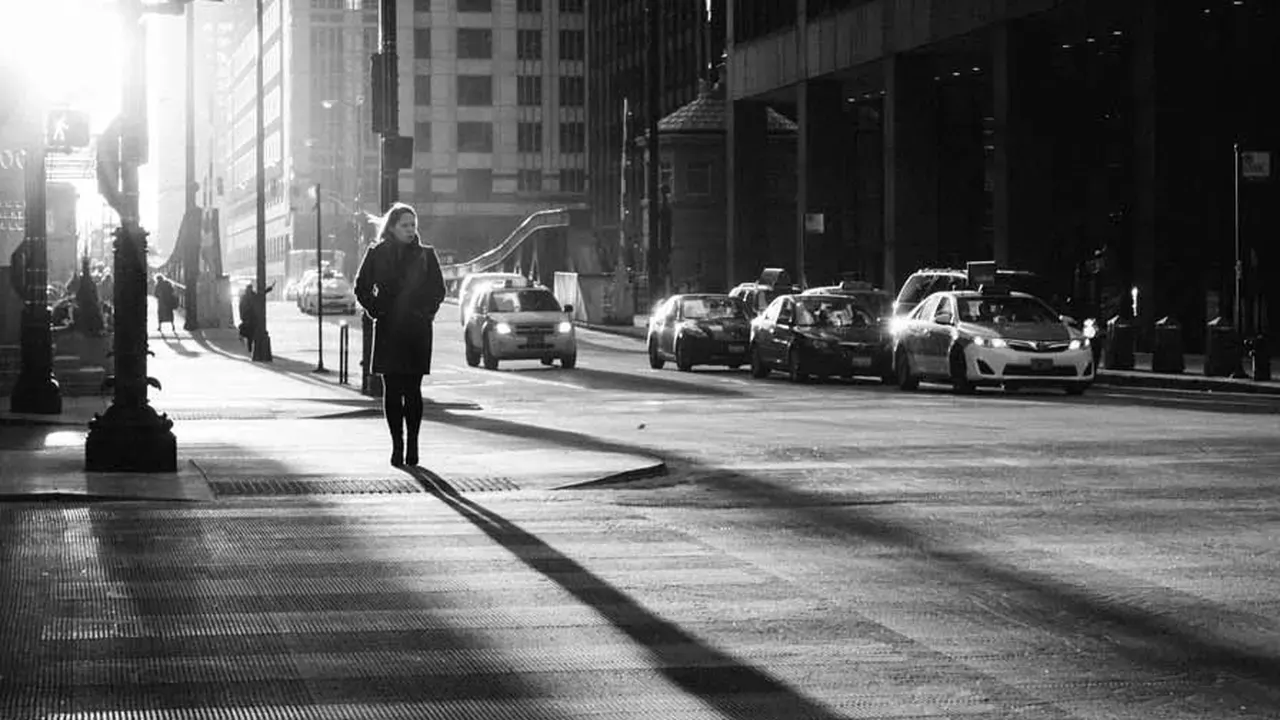
Anyone can delete colour. A monochrome photo earns itself in tones: blacks with weight, whites with light, and a long staircase of greys between them. The Luminar Neo photo editor monochrome tools give control over how each colour becomes a grey, which is where the craft lives. A red jacket and a green hedge that matched in colour can be pulled apart in tone until the subject steps forward.
Choose candidates with strong bones: architecture, weather, faces with character, street scenes. Colour-dependent photos should stay colour.
Converting With Intent
Start from the channel balance, not the contrast. Decide what the photo's subject should weigh tonally, set skies darker for drama or lighter for calm, and only then set the black and white points.
Vintage looks are conversion plus memory: faded blacks, warm or split tones, grain. The broader looks family is covered in the Batch Export in Luminar: JPEG, PNG, TIFF and HEIF Explained; monochrome vintage is its most disciplined member.
Grain, Fading and Restraint
Grain should behave like film grain: finer in highlights, honest in shadows, never a uniform noise blanket. Fading lifts the black point, and a little goes a long way before a photo looks washed rather than aged.
Print thinking helps: view the result at arm's length. Monochrome that reads at distance reads everywhere. The Your First Five Edits: A Beginner Path Through Luminar export advice applies with force here, because grey gradients band first.
A Small Monochrome Project
Convert a week of phone photos, one subject only: your street, your commute, your dog. Constraint teaches tone faster than any tutorial, and the phone in your pocket becomes the camera the project needs.
Keep the colour originals. Monochrome is an interpretation, and interpretations deserve a way back.
Quick Answers
Which photos suit black and white?
Photos with strong shapes, texture, weather and expression. A photo whose whole point is colour, a sunset or a market stall, usually suffers in monochrome.
Should I convert before or after other edits?
Convert early, then edit the tones directly. Grading a colour photo and converting at the end rarely gives the tones you judged.
How much grain is right?
Enough to feel at full size, not enough to see in a thumbnail. Grain is texture, not dirt.