
Guide
Crop, Geometry and Auto Transform: Straighten Any Photo
Leaning buildings, tilted horizons and cramped framing ruin good photos. Luminar's crop and geometry tools, including one-tap Auto Transform, fix them. This guide covers the full routine.
 By Clara Whitmore, Photo App Reviewer
CONTENTS On this page
Composition Is the First Edit
Before light, before colour: the frame. The Luminar Neo Android guide crop and geometry bench handles the three framing failures that follow every photographer home: the tilted horizon, the subject lost in spare space, and the building that leans like it is falling backwards.
Crop with intent. Cutting a photo is not losing it; it is choosing it. Remove what the photo is not about, and what remains gets stronger in proportion.
Auto Transform and Leaning Buildings
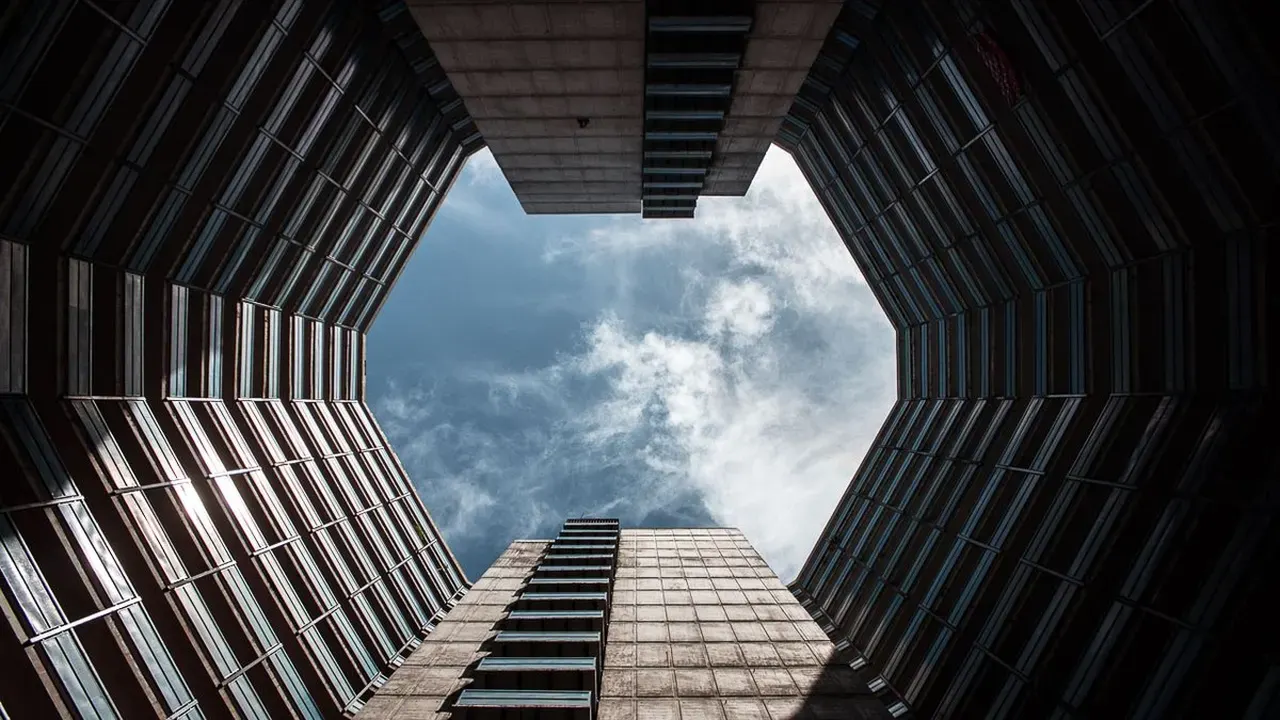
Architecture exposes perspective honestly: point a phone up at a tower and the tower tips backwards. Auto Transform inside Crop corrects that convergence in one tap, standing the walls back up. It arrived in the current build and it is the fastest geometry fix the app has.
Manual sliders remain for stubborn cases. Correct verticals first, horizontals second, and accept a small crop as the price. For the colour grade that follows, the Landscape Editing in Luminar: Dehaze, Foliage and Golden Hour is the natural next step.
Horizons, Ratios and Grids
A horizon off by two degrees bothers viewers who cannot name why. Straighten against the grid, not by eye, and check waterlines twice, because water always tells the truth.
Crop ratios are publishing decisions: the frame a feed shows, the frame a print needs. Keep the full-frame original and export ratio copies, so no crop is ever a one-way door. The Monochrome and Vintage Looks in Luminar Mobile explains keeping a set consistent.
Three Geometry Mistakes
Over-straightening is the first: a building corrected past vertical looks like it leans forward into the street. The second is cropping into a subject's joints, at wrists, knees and ankles, which reads as carelessness. The third is fixing perspective on a photo whose charm was its angle.
Geometry serves the photo. When the lean is the picture, leave the lean alone.
Quick Answers
What does Auto Transform fix?
Perspective tilt: buildings that lean backwards, interiors whose walls converge, and tabletops shot at an angle. It straightens verticals in one tap inside Crop.
Does straightening crop my photo?
Yes, correcting perspective always trims edges. Shoot slightly wider than the final frame when you know a building shot will need it.
Should I crop before or after other edits?
Crop early. Composition first means every later judgement, from light to colour, is made on the final frame.